Lab 005: Jenkins Install Packages
Requirements
Some new requirements have come up to install and configure some packages on the Nautilus infrastructure under Stratos Datacenter. The Nautilus DevOps team installed and configured a new Jenkins server so they wanted to create a Jenkins job to automate this task. Find below more details and complete the task accordingly:
-
Click on the Jenkins button on the top bar to access the Jenkins UI. Login using username admin and Adm!n321 password.
-
Create a Jenkins job named install-packages and configure it to accomplish below given tasks.
-
Add a string parameter named PACKAGE. Configure it to install a package on the storage server in Stratos Datacenter provided to the $PACKAGE parameter.
Note:
-
You might need to install some plugins and restart Jenkins service. So, we recommend clicking on Restart Jenkins when installation is complete and no jobs are running on plugin installation/update page i.e update centre. Also some times Jenkins UI gets stuck when Jenkins service restarts in the back end so in such case please make sure to refresh the UI page.
-
Make sure Jenkins job passes even on repetitive runs as validation may try to build the job multiple times.
-
For these kind of scenarios requiring changes to be done in a web UI, please take screenshots so that you can share it with us for review in case your task is marked incomplete. You may also consider using a screen recording software such as loom.com to record and share your work.
This page preserves the original requirement text and documents one Jenkins job configuration workflow to automate package installation.
Prerequisites
- Jenkins server is installed and running.
- Admin user credentials are available (admin / Adm!n321).
- SSH access to storage server in Stratos Datacenter is available.
- Required Jenkins plugins (if any) are installed.
Steps
Click the Jenkins button and in the new tab, sign-in to Jenkins.

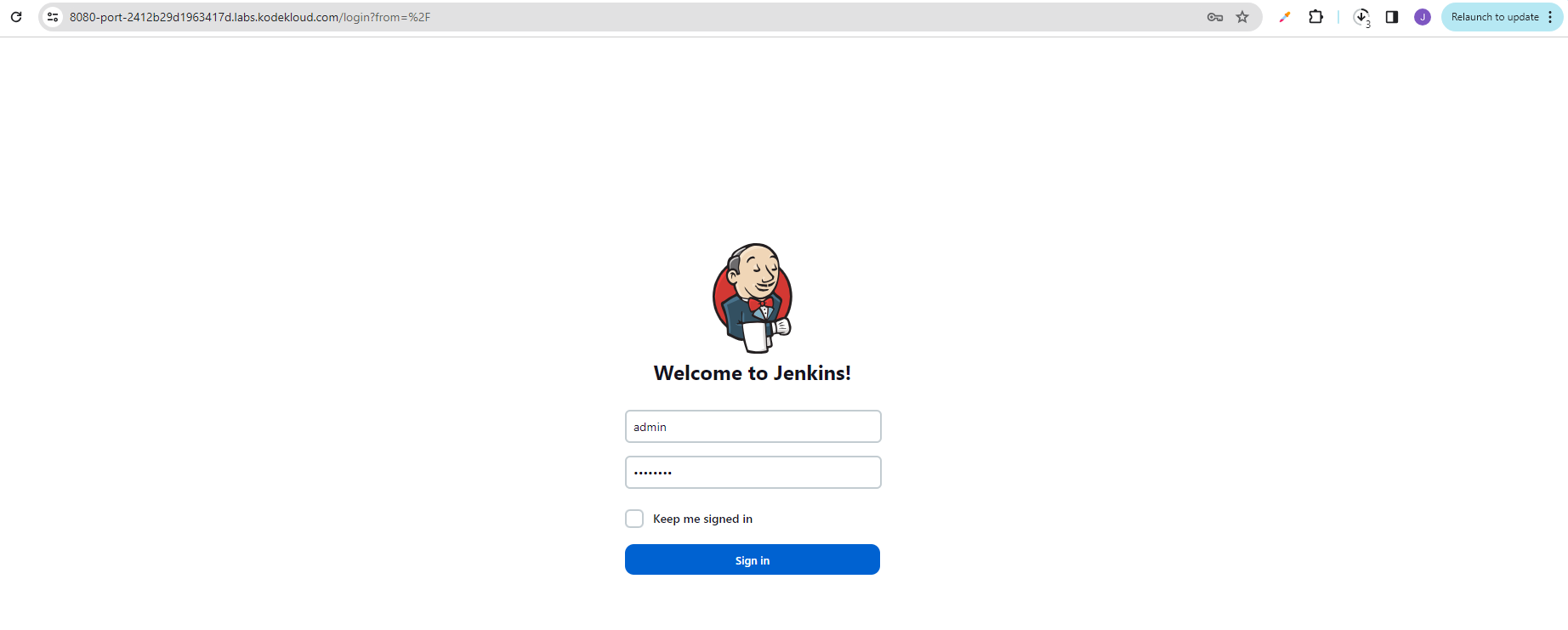
Go to Manage Jenkins > Create New Job > Enter job name (install-packages) > Select Freestyle job.
Configure the job with the following settings:
-
Under General, enable This project is parameterized.
-
Add a String Parameter with name
PACKAGE. -
Under Build, add an Execute shell build step.
-
In the shell script, configure the package installation command to use the
$PACKAGEvariable:#!/bin/bashssh -o StrictHostKeyChecking=no storage_user@storage_server \"yum install -y $PACKAGE || apt-get install -y $PACKAGE" -
Save the job configuration.
-
Test the job by running a build with a sample package name.
Verification
- Confirm job
install-packagesexists in Jenkins. - Confirm the job has a string parameter named
PACKAGE. - Confirm the job executes successfully when triggered with a package name.
- Confirm the job can be run multiple times without errors (idempotent).
- Confirm the package is installed on the storage server after job execution.