Lab 003: Git Fork a Repository
Requirements
There is a Git server used by the Nautilus project teams. Recently a new developer Jon joined the team and needs to start working on a project. To do so, he needs to fork an existing Git repository. Below you can find more details:
-
Click on the Gitea UI button on the top bar. You should be able to access the Gitea page.
-
Login to Gitea server using username jon and password Jon_pass123.
-
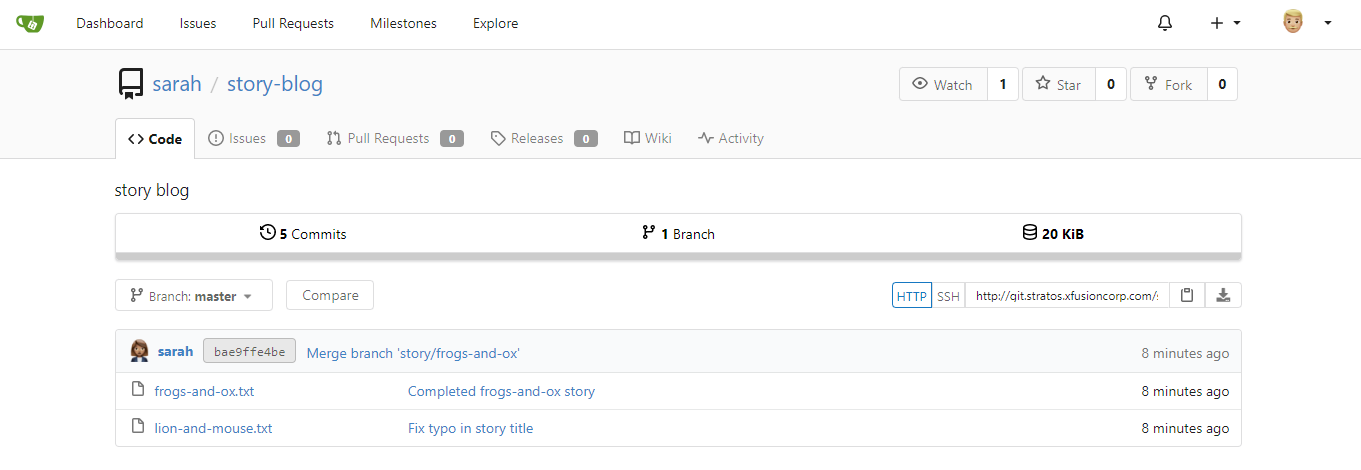
There you will see a Git repository sarah/story-blog, fork it under jon user.
Note: For these kind of scenarios requiring changes to be done in a web UI, please take screenshots so that you can share it with us for review in case your task is marked incomplete. You may also consider using a screen recording software such as loom.com to record and share your work.
Steps
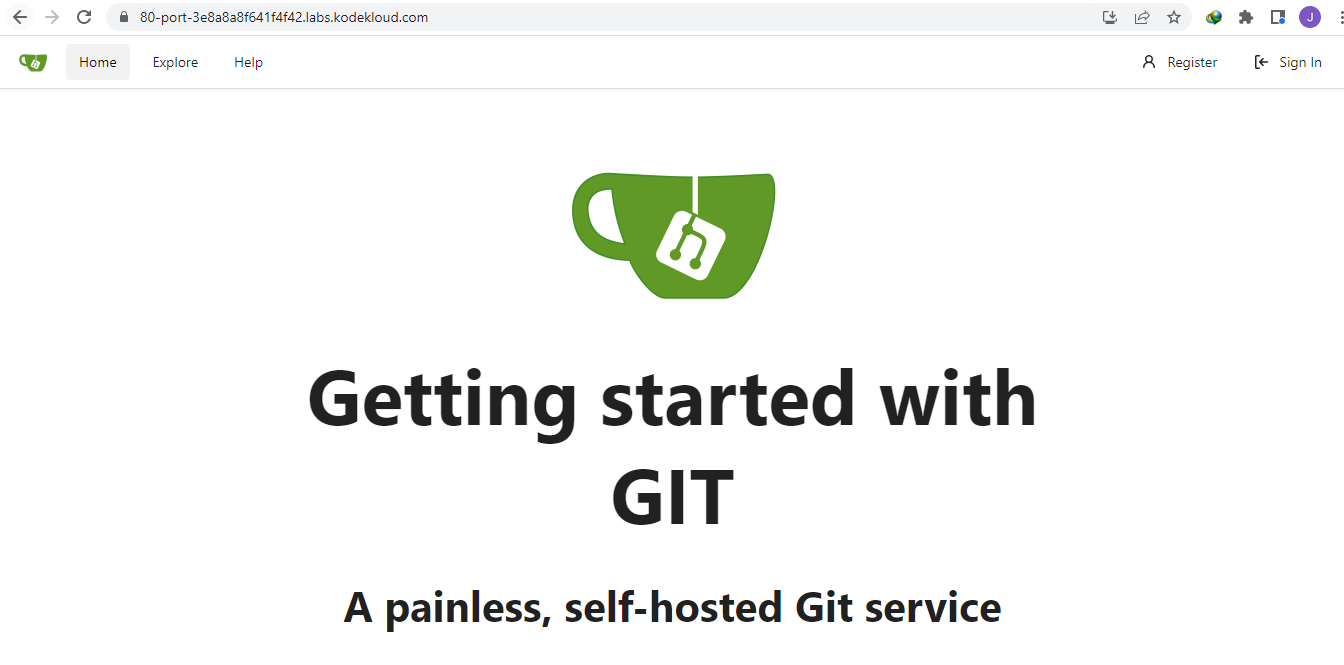
Click sign-in at the top right. When prompted, enter the credentials for user Jon.
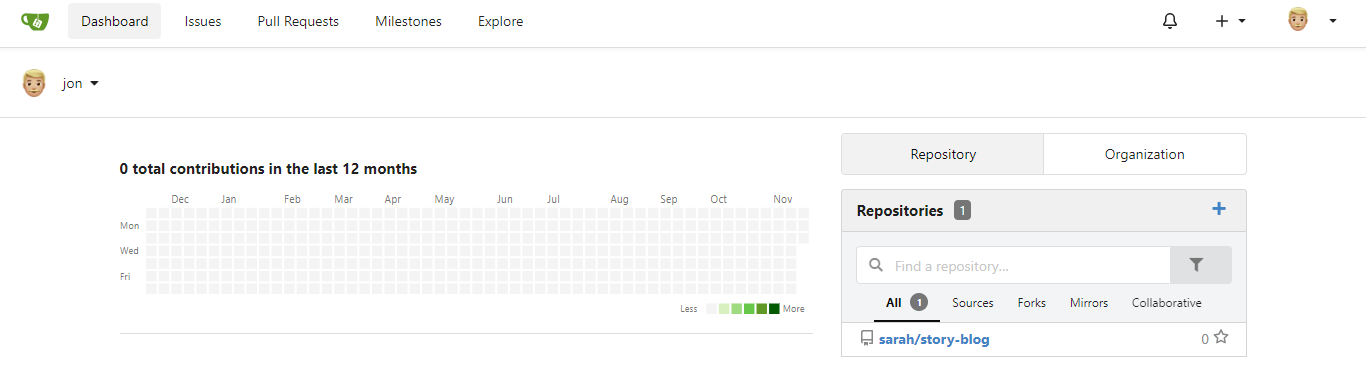
In the dashboard, click the repo at the right.
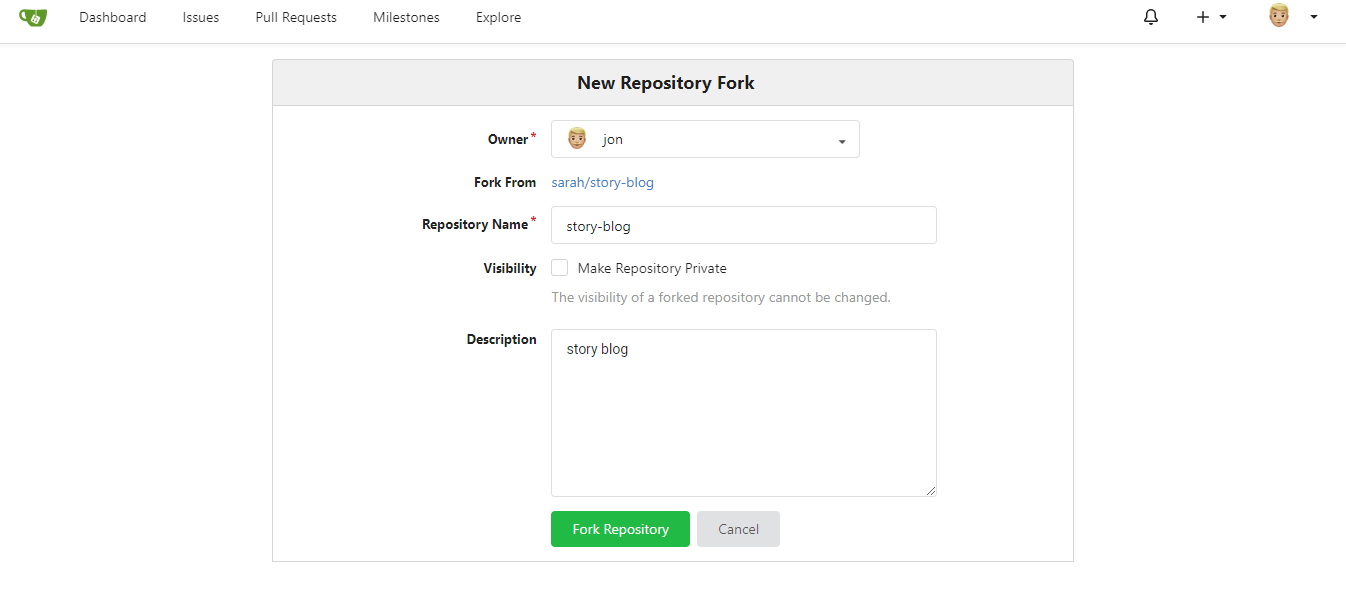
Click the Fork ab at the right, then click Fork repository in the next page.